
Guide
Signing in
There's no password to remember. Sign in with Microsoft or Google, or with a code we email you.
With Microsoft or Google
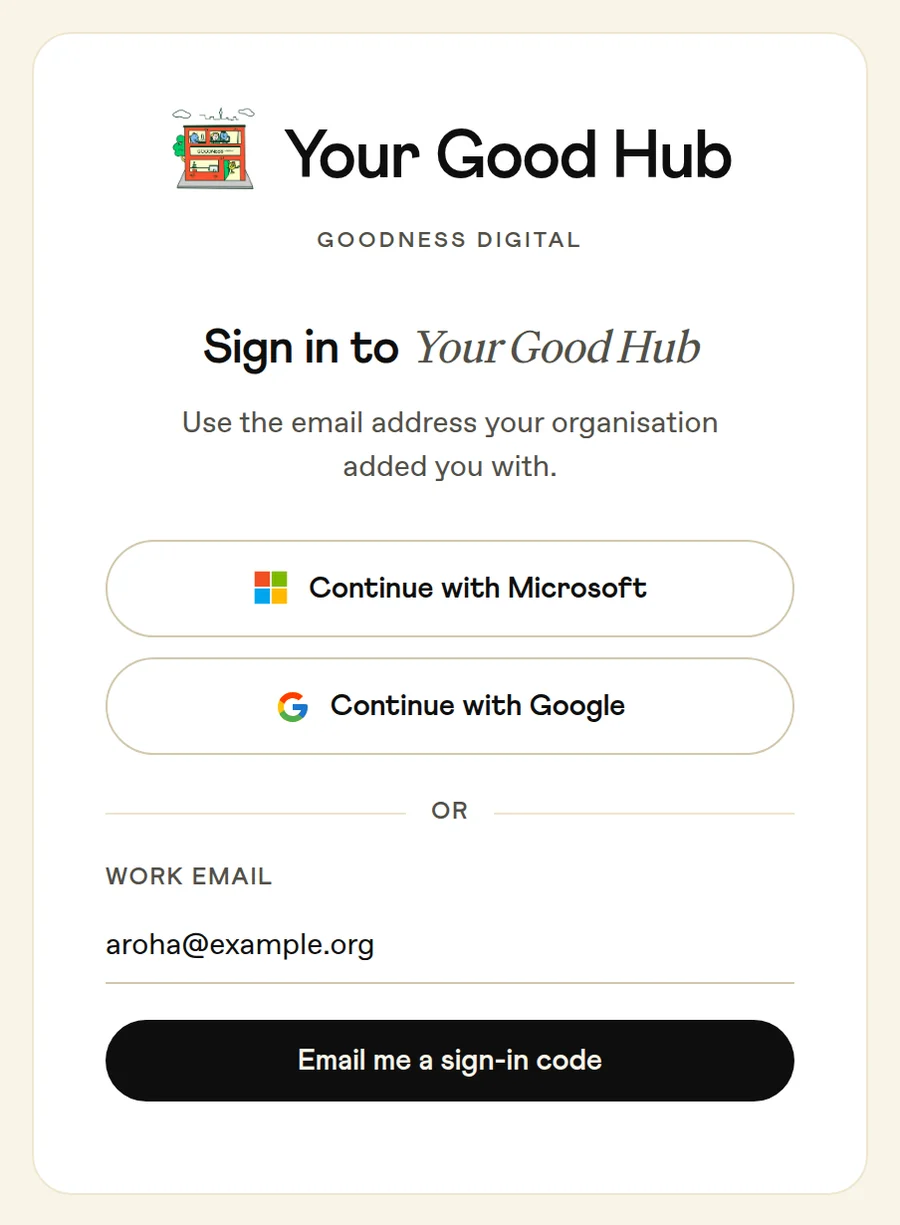
If your work email is a Microsoft or Google account, go to hub.goodnessdigital.co.nz and choose Continue with Microsoft or Continue with Google. Pick the account with the email address your organisation added you with.
With a code
- Go to hub.goodnessdigital.co.nz, type your email address and press Email me a sign-in code. Use the address your organisation added you with.
- We email you a 6-digit code from [email protected]. It works for 10 minutes.
- Type the code in, and you're in. You stay signed in on that device for 7 days. After five wrong tries the code stops working, so send a new one.
If the code doesn't arrive
- Give it a minute, then check your junk or spam folder.
- Check you typed your email address the way your organisation added it. A code will reach any address, but you'll only see your organisation once you use the one they added.
- Press Send a new code, and use the newest one. You can ask for 5 codes an hour.
If you're new
You can only sign in once someone has added you. Ask the Admin at your organisation to add you, or get in touch with Goodness at [email protected].