
Guide
Posting a job or news
Write it in Content, check it on the staging site, then publish it to your site.
Write it
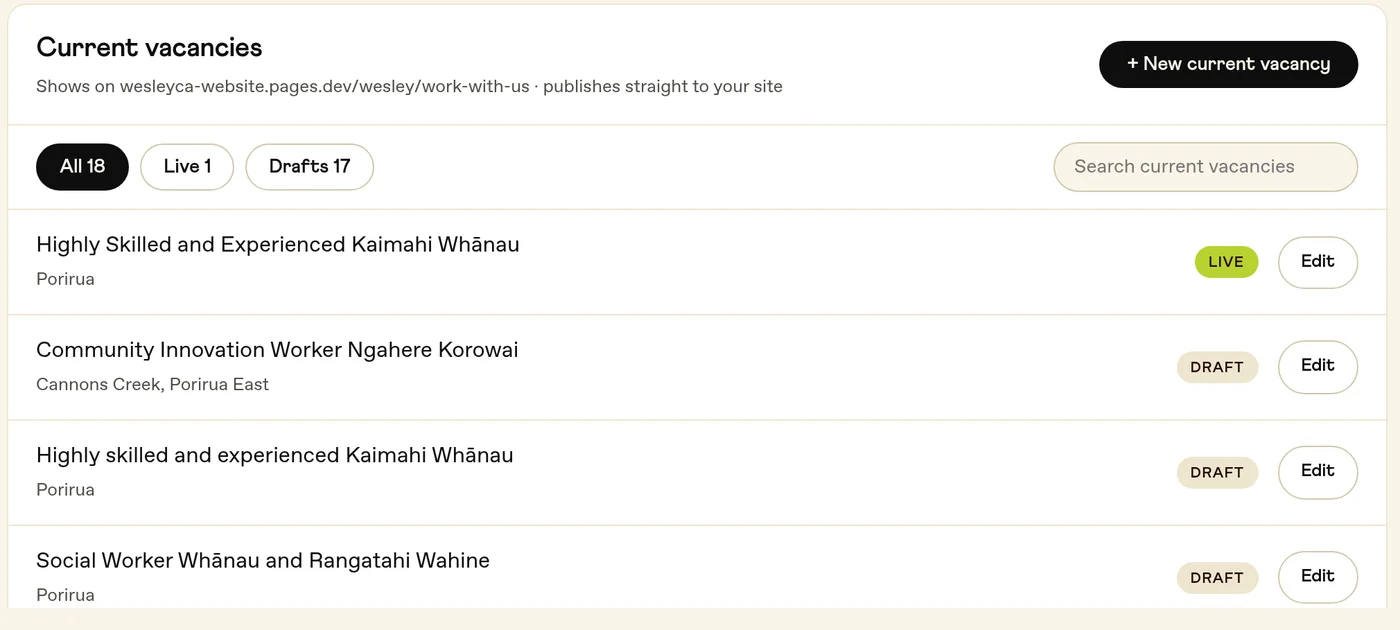
Open Content, pick the list it belongs in, like your jobs or your news, and press + New. Give it a name and press Start writing. Your changes save as you go, and nothing reaches your site until you publish.
Check it
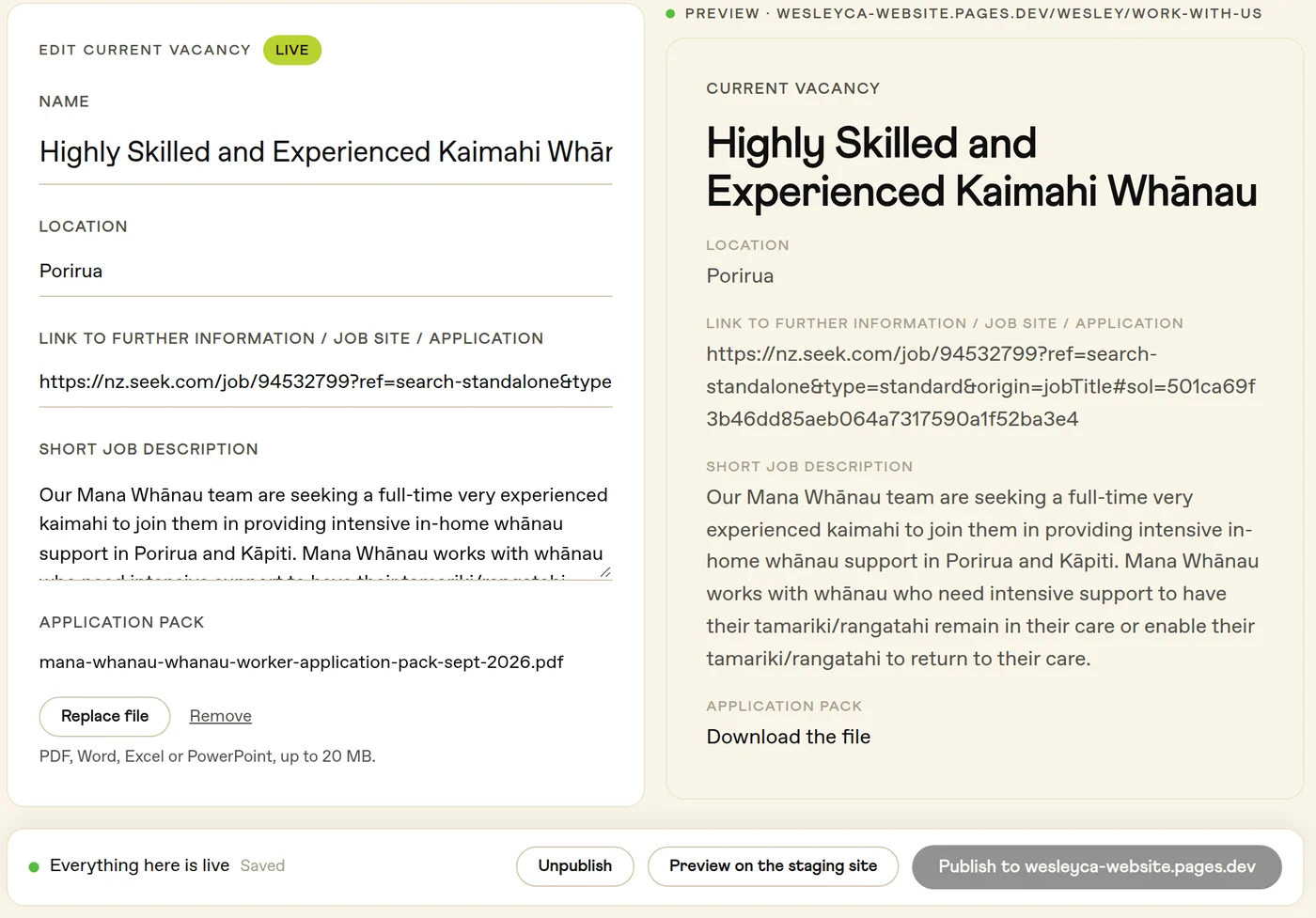
The preview beside the form shows roughly how it will look. For the real thing, press Preview on the staging site. The staging address can be opened by anyone who has the link, so don't put anything private there.
Publish it
Press Publish. The button names the address it publishes to, and it's live there in about two minutes. To take something down, open it and press Unpublish. Discard changes throws away edits you haven't published yet. For something that has never been published, the button says Delete draft.
Only Admins and Authors can publish
Everyone else can read what's there.
If Content is empty
Your site's lists haven't been connected yet. Send your post to Goodness at [email protected] and we'll put it up for you.